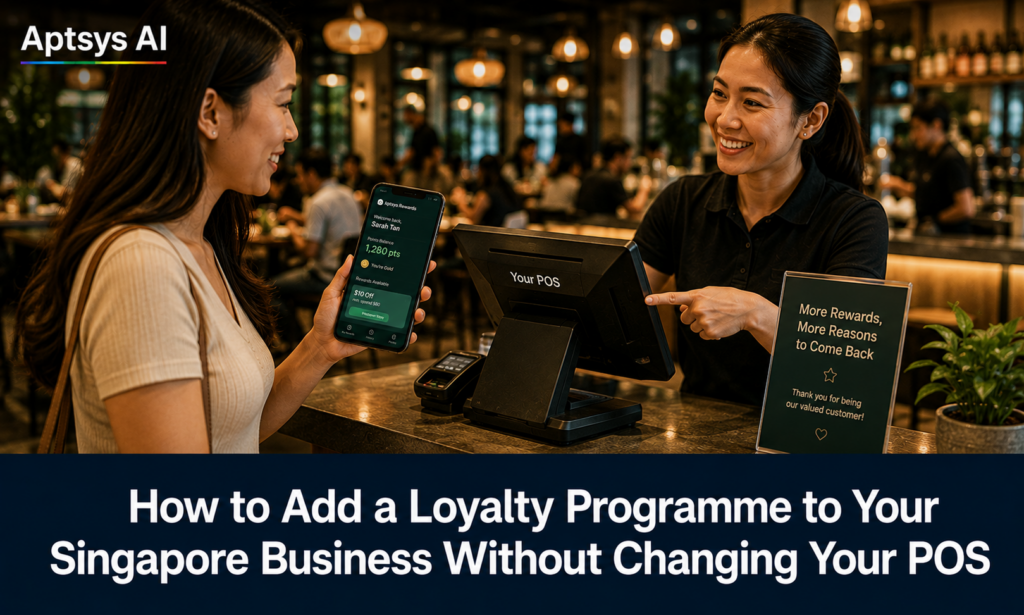
Most Singapore merchants who don’t have a loyalty programme say the same thing when asked why: they’re not ready to change their POS. They’re on a system that works, their staff know it, and the idea of disrupting operations to get a membership programme running isn’t worth it.
The Aptsys CRM doesn’t require you to change your POS. It works alongside whatever system you’re already running — whether you’re in F&B, retail, or any other business that wants to turn one-time customers into regulars. You keep your current setup. You add the loyalty layer on top.
Here’s how it works.
Who This Is For
Any Singapore merchant that wants to run a loyalty programme, stored value system, or member tier structure without replacing existing infrastructure. That includes restaurants and cafés, but also retail boutiques, beauty salons, pet shops, enrichment centres, optical shops, and any other business where repeat customers are worth identifying and rewarding.
If your current POS handles your sales, that’s fine. The Aptsys CRM handles the relationship side — who your members are, how much they’ve spent, what tier they’re on, and when to reach out to bring them back.
Signing Members Up
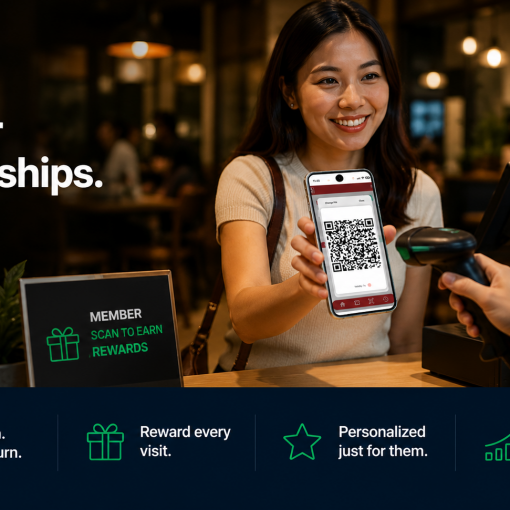
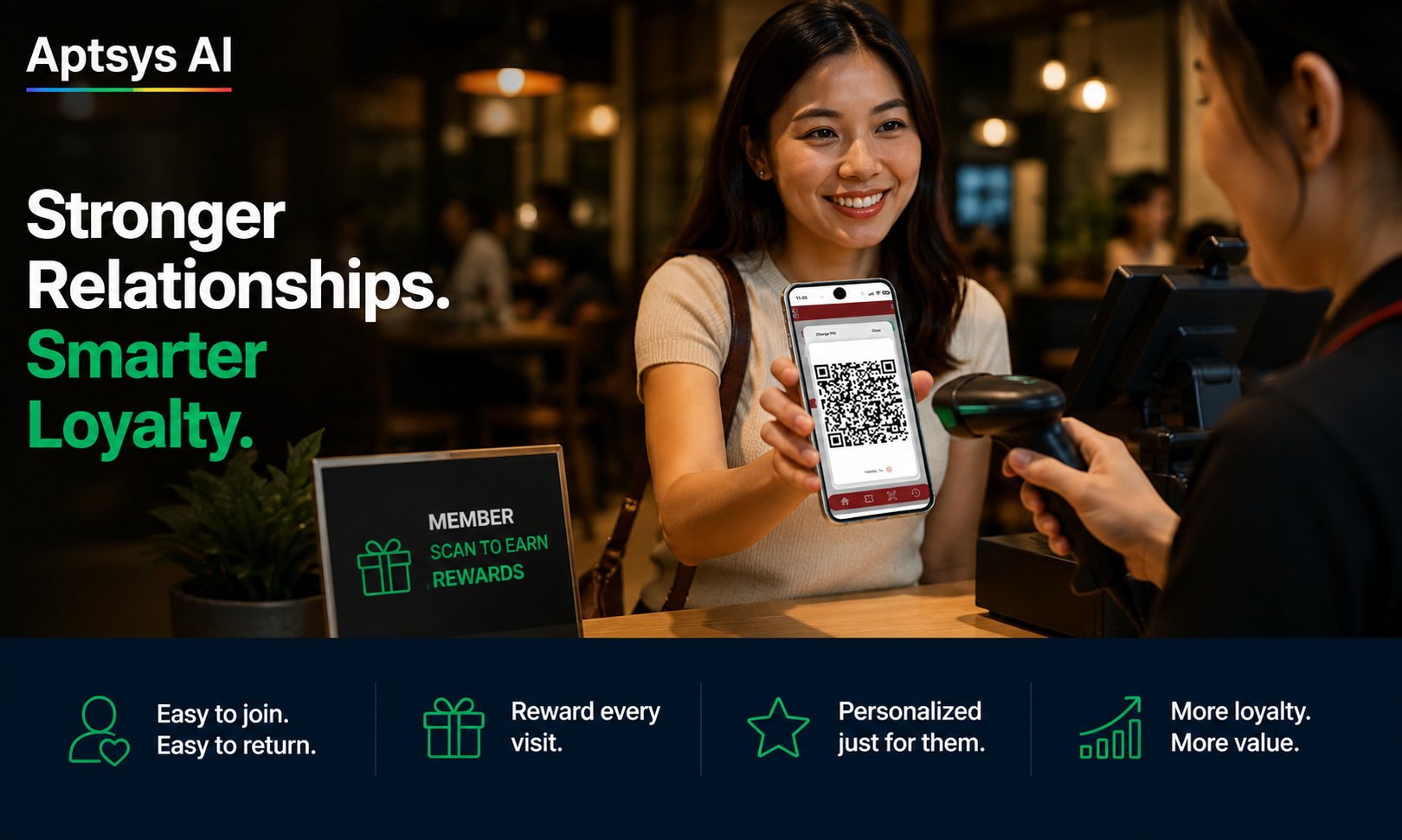
Members join through a QR code linked to your sign-up form. Place it at the counter, on the table, in a fitting room, at the reception desk — wherever makes sense for your business. Customers scan, enter their phone number and name, and their member record is created immediately. No app download required. The sign-up takes under a minute.
The Merchant App: Familiar to Anyone Who Accepts CDC Vouchers
If your outlet already accepts CDC vouchers, you already know how this works.
With CDC vouchers, the resident opens their app, generates a QR code, and you scan it to redeem the value. The Aptsys merchant app works the same way — and if your staff can handle CDC voucher redemption, they can handle this without any additional training.
The merchant app is tied to your Merchant ID (MID) and Terminal ID (TID), and cashiers log in with a password or passkey. When a member makes a purchase, the cashier opens the app and scans the member’s QR code. From there they can award points for the transaction, redeem points the member wants to use, or redeem a voucher. The flow is familiar, fast, and runs alongside your existing POS without touching it.
Stored Value Works the Same Way
The stored value (wallet) flow is just as familiar.
Members top up their wallet themselves through the member portal — using their preferred payment method, at any time, without involving your staff. When they’re ready to spend their balance at your counter, they open the member app, enter their PIN, and a time-based QR code is generated. You scan it with the merchant app and the value is deducted instantly.
The time-based, PIN-protected QR is the same principle as the CDC voucher’s one-time code — it cannot be screenshotted and reused. Every deduction is logged against your MID and TID, so every transaction is traceable and auditable.
For members who are used to CDC vouchers, topping up and spending stored value at your outlet feels like second nature. For your staff, accepting it looks exactly like what they already do.
Stored Value, Tiers, and Member Pricing
Beyond points and stored value, the CRM supports several loyalty structures you can use independently or in combination.
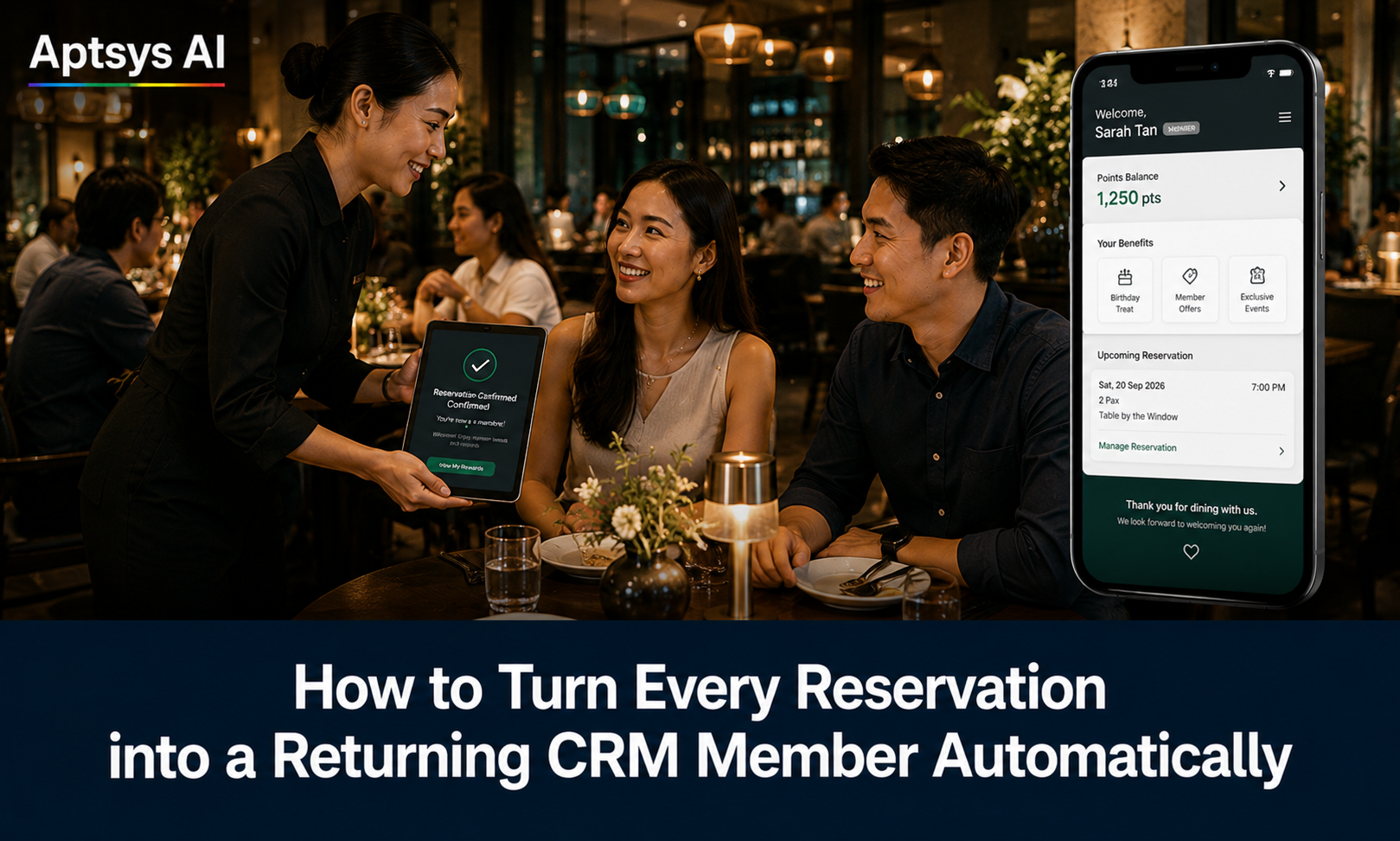
Member tiers (Silver, Gold, Platinum, or whatever names fit your brand) offer better benefits to your highest spenders, and tier upgrades happen automatically when a member crosses a spending threshold. Member pricing gives members a lower price on selected items than walk-in customers — a visible, immediate benefit that makes signing up feel worthwhile on the first visit.
None of this requires changes to your existing POS.
Automated Campaigns That Run Without Staff
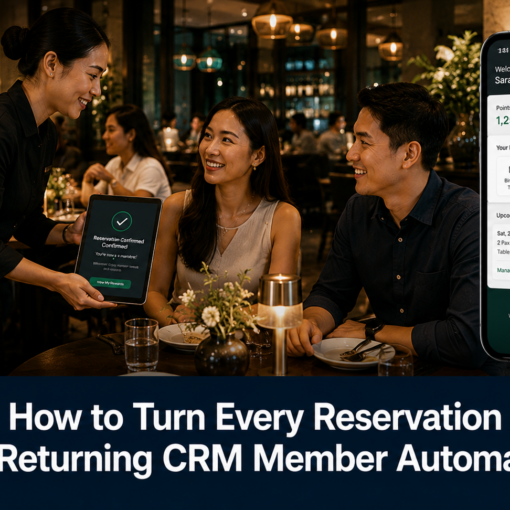
Once member records are in the system, the CRM’s automated messaging handles re-engagement on its own. Birthday messages, win-back campaigns, tier upgrade notifications, and targeted promotions go out via WhatsApp or SMS — configured once, running continuously.
This works for any business type. A retail customer who bought 40 days ago is just as worth re-engaging as a restaurant diner who hasn’t been back.
When a Connected Setup Makes Sense
Running the Aptsys CRM alongside your existing POS is a fully operational starting point, not a compromise. If you later decide you want transactions to sync automatically at the point of payment — without a separate app step — connecting to Jade POS is an option. But it is not a requirement.
Some merchants run the standalone CRM indefinitely. Others use it as a working trial before evaluating a broader migration. Both are valid.
To find out how the Aptsys CRM fits your current setup — F&B, retail, or any other business — speak to the team here.