
What Is a Shared Cart and How Does It Help Your Restaurant?
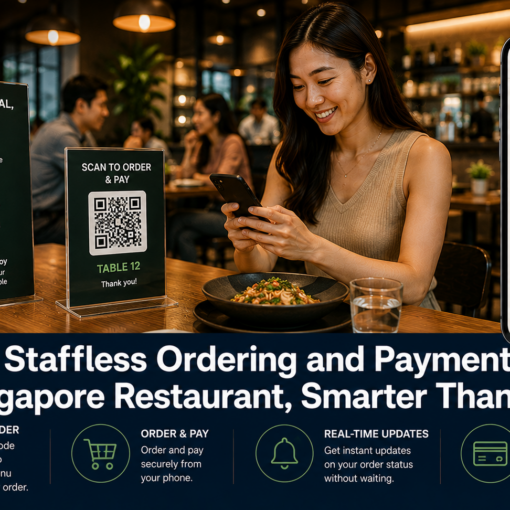
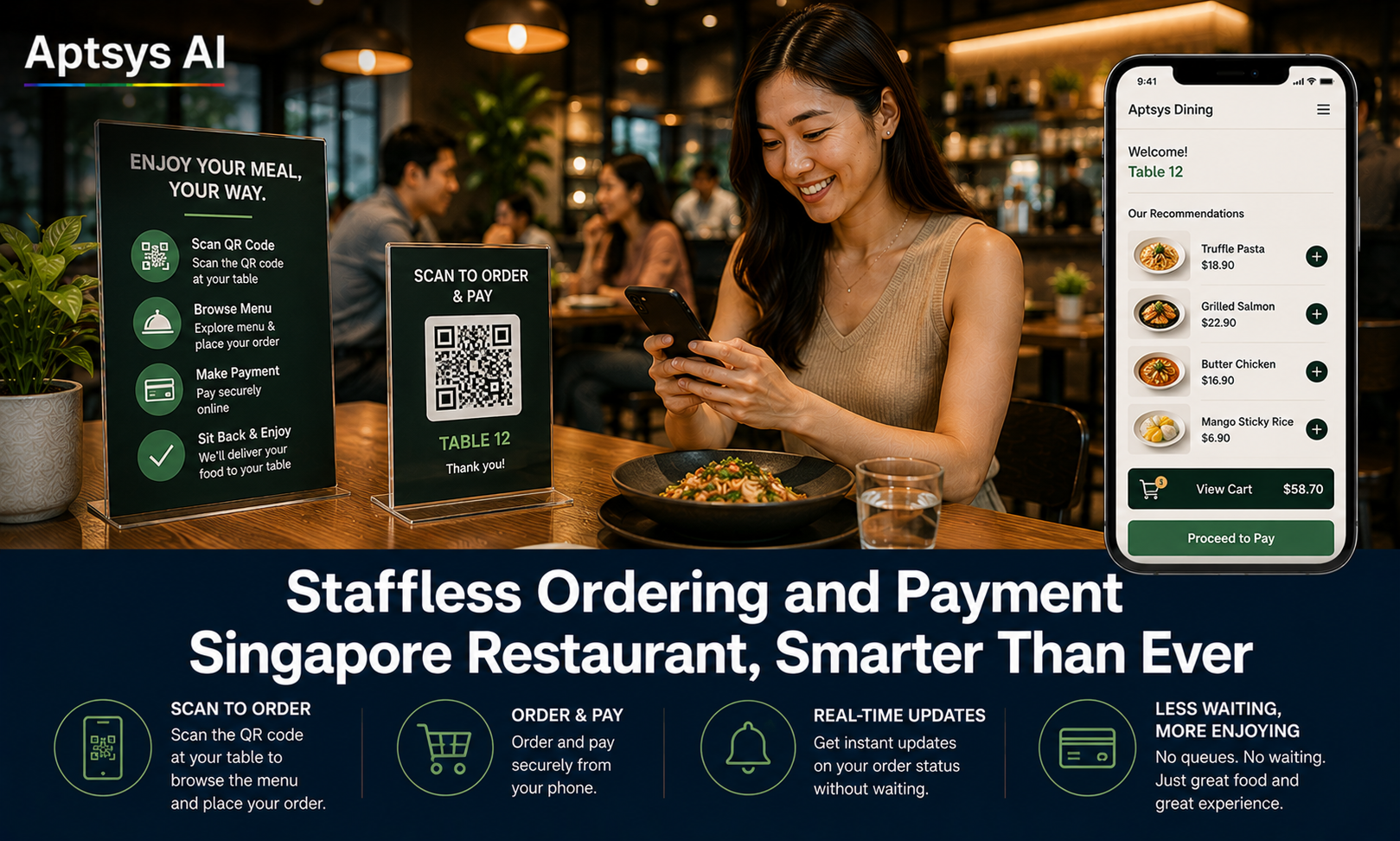
A shared cart is a cloud-based cart that every guest at the same table can see and add to from their own phone, before the order is sent to the kitchen. Instead of each diner ordering in isolation, the table effectively shares one running order — updated live, visible to everyone, right up until someone sends it in.
For restaurants running QR ordering, this single feature solves several problems that come up constantly at shared tables — and it does so without adding a single extra step for staff.
Shared cart ordering is already common in China, where group dining on a single shared order is the norm. It is still rare in Singapore, where most QR ordering platforms have each guest order independently with no visibility into what the rest of the table is doing. Aptsys founder Ernest Lim saw how effective the shared cart model was for group tables and built it into iOrder for Singapore restaurants — making Aptsys one of the few platforms locally offering it.
Everyone Sees What’s Been Added Before the Order Is Sent
With a shared cart, every guest at the table can see the items everyone else has added — in real time, before the order is submitted. This means the table can naturally check whether they’ve ordered enough, spot a gap (no vegetables, no soup, one guest hasn’t ordered a main), and decide together whether to add a dish to share.
It also removes the most common shared-table friction point: no one has to ask “what did you order?” out loud, or flag a server down just to find out. The whole table can see it on their own screens.
Real-Time Sync With the POS Means No Checking With the Waiter
Once an item is added, edited, or removed by anyone at the table, that change reflects instantly in the shared cart — because the ordering system and the POS are the same system, not two separate tools bolted together. A guest doesn’t need to catch a server’s attention to confirm “did my friend’s order go through?” or “can you add one more of that?” It’s already visible.
This matters most during peak hours, when servers are stretched thinest and a guest waiting to flag someone down to check on an order is exactly the kind of friction QR ordering is meant to remove.
Preventing Double Orders, Unnecessary Cancellations, and Wastage
The shared cart also distinguishes between what’s still being added and what’s already been sent in to the kitchen. Once an item is submitted, it’s clearly marked — so no one at the table accidentally orders the same dish twice, and no one asks the kitchen to cancel something that’s already being prepared.
This directly reduces food wastage and kitchen disruption. A cancelled dish after it’s been started is wasted ingredients and wasted prep time; a duplicate order that gets caught only after both plates arrive is an awkward, avoidable conversation at the table. A shared cart with a clear “sent” state prevents both.
Why This Matters for Your Bottom Line
Beyond smoother table experiences, a shared cart has a direct commercial impact:
- Less wastage — fewer cancelled-after-prep dishes means less food and labour cost lost
- Higher order accuracy — the kitchen only receives what the table actually intends to eat
- More natural upsells — when the table can see the order is light on mains or sides, they add to it themselves, without a server needing to suggest it
- Faster table service — less time spent on guests flagging staff just to check order status
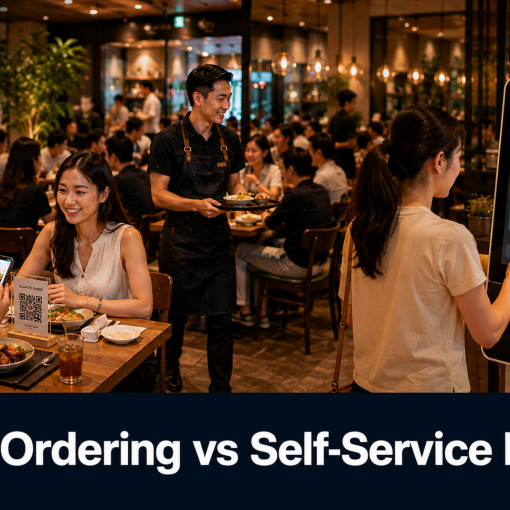
For tables of four, six, or more — which are common in Singapore’s group dining culture — a shared cart turns what used to require a waiter’s constant attention into something the table manages naturally on their own phones.
How Aptsys Brings This to Your Restaurant
Aptsys’s iOrder QR ordering platform includes shared cart as standard — a feature proven in China’s group dining culture but still rarely offered by QR ordering platforms in Singapore. Every guest at a table orders from their own device, sees the table’s live cart update in real time, and can see clearly which items are still pending versus already sent to the kitchen — all synced directly with Jade POS and the kitchen display.
See how iOrder’s shared cart works for group tables, or book a free demo to try it with your own menu.