QR Ordering Complaints: How to Handle Guest Pushback and Reduce Order Errors
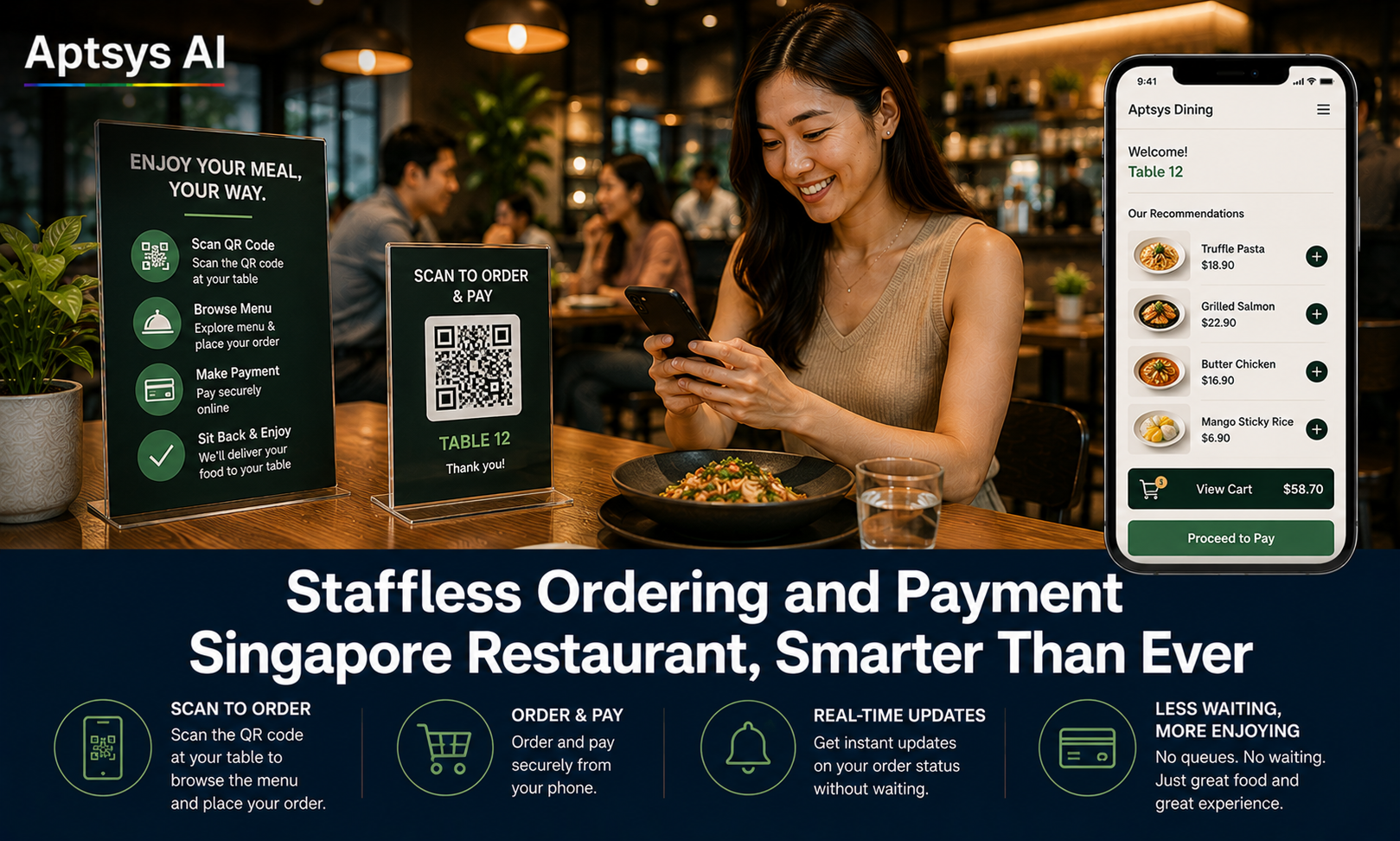
QR ordering complaints are the number one reason Singapore restaurant owners hesitate before switching from a fully staffed ordering model. “My regulars will hate it.” “Older customers can’t use it.” “We’ll get more wrong orders, not fewer.” These concerns are valid — but they are almost always fixable with the right setup, not a reason to avoid QR ordering altogether.
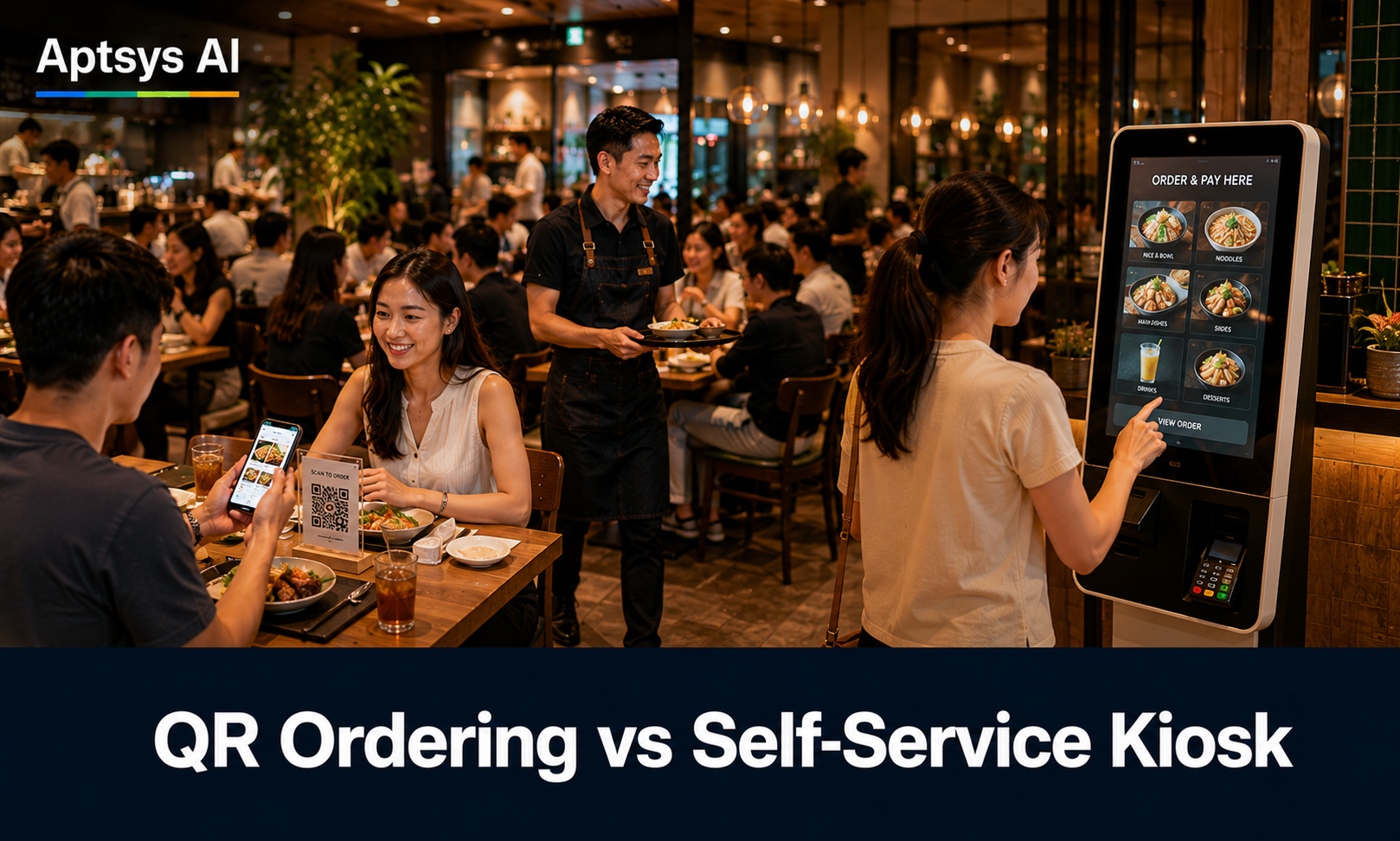
The restaurants that get the most complaints are the ones that treat QR ordering as a replacement for service. The ones that get the fewest treat it as a tool their staff still actively support.
The Five Most Common QR Ordering Complaints
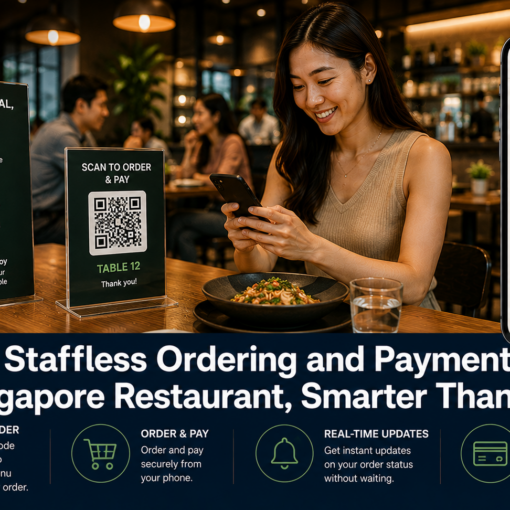
“I don’t know how to use this.” Older guests, first-time visitors, and anyone unfamiliar with the format will hesitate to scan, and some will simply wait for a server instead — creating exactly the bottleneck QR ordering was meant to solve.
“It feels like there’s no service here.” Guests who value being attended to can read a bare QR code on the table as the restaurant checking out of the experience, especially at mid-range and higher price points.
“My order came out wrong.” Long text-only menus, unclear modifiers, and no double-check step before submission all increase the chance a guest orders the wrong item or forgets to flag an allergy.
“The page won’t load.” Weak in-store wifi, congested peak-hour bandwidth, or a platform with no offline tolerance turns a two-minute order into a five-minute wait — and that frustration lands on the restaurant, not the network.
“What did you order? I can’t see it.” On a shared table, guests naturally want to see what everyone else has added before deciding on their own dish, or to split a few items to share. With each guest ordering from their own phone, that visibility disappears — so they end up flagging a server just to ask what the rest of the table has ordered, which defeats the point of self-ordering.
Fixing Each One Without Adding Staff Costs
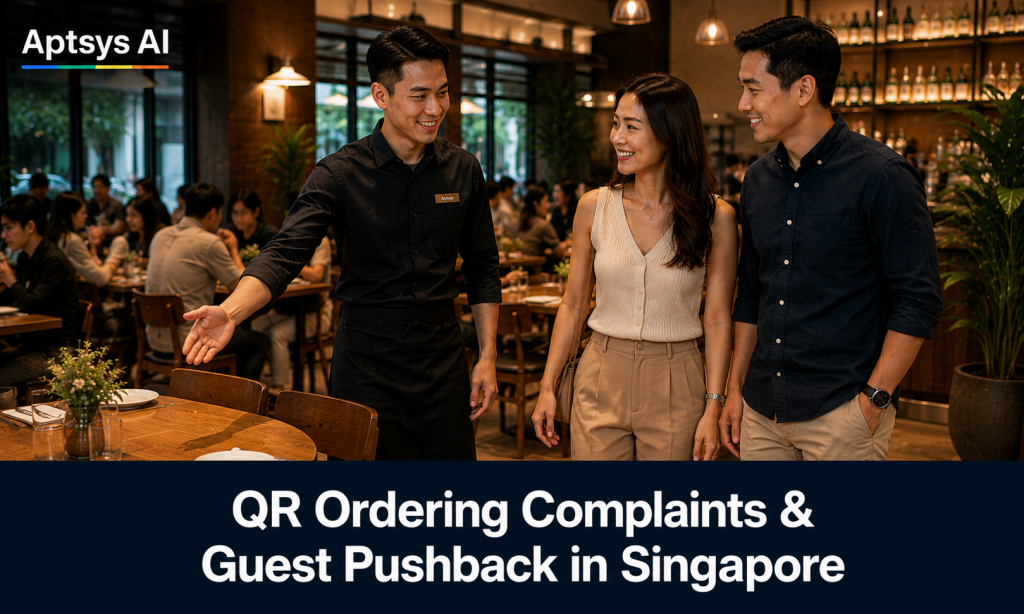
Assisted first scan. A server greets the table, points to the QR code, and walks the guest through placing their first order — showing them how to browse, add items, and confirm — rather than doing it for them or simply walking away. This single habit removes most of the “I don’t know how to use this” complaints, and because the guest has now done it themselves once, they order independently for the rest of that visit and on every future visit.
CRM-powered personal recognition. When the ordering system is tied to a CRM, a returning guest can be greeted by name on the ordering page, shown their past favourites, and offered member pricing or a voucher they can redeem on the spot. This replaces the warmth of being remembered by a server with something a generic ordering platform can’t do at all — recognising the guest personally and rewarding their loyalty — so the experience feels more attentive, not less.
Photo-led, modifier-clear menus. Menus with images, clearly grouped add-ons, and a mandatory allergy/spice-level prompt before checkout cut mis-orders significantly compared to plain text menus with buried modifiers.
Free in-store wifi. Offering guests a dedicated wifi network removes the connectivity complaint at the source — guests with weak mobile data simply switch over, and the ordering page loads reliably without the restaurant depending on the strength of each customer’s own signal.
A shared cart across the table. Instead of each guest ordering in isolation, a shared cart lets everyone at the table see items added by anyone else in real time, right from their own phone. Guests can decide what to add, avoid duplicating a dish someone already ordered, or agree on shared plates — without ever needing to ask around the table or call a server over to relay it.
The Blended Model Outperforms Both Extremes
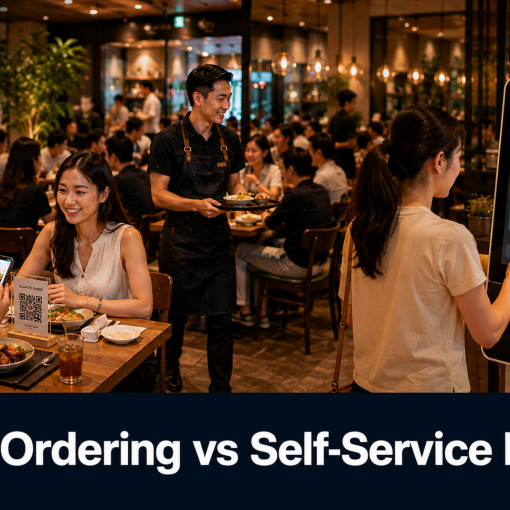
Restaurants that run QR ordering fully unattended see the most complaints. Restaurants that keep 100% staff-taken orders see the highest labour cost and the same order-accuracy problems from rushed manual entry during peak hours. The restaurants with the fewest complaints and the fewest errors run a blended model: QR ordering as the default, staff actively supporting the first interaction and available on request, and a system that flags likely errors — duplicate items, missing modifiers, high-value orders — before they reach the kitchen.
This is also where the data helps. When QR orders flow into the same system as your CRM and kitchen display, you can see which items get modified or cancelled most often, which tables call for help most, and which time slots see the most order errors — and adjust the menu or staffing pattern accordingly, instead of guessing.
How Aptsys Reduces QR Ordering Complaints in Practice
Aptsys’s iOrder QR ordering platform is built around the blended model rather than a fully unattended one:
- Photo-rich, modifier-clear menus reduce wrong or incomplete orders before they’re submitted
- Direct integration with Jade POS and Kitchen Display System (Ruby) means orders route instantly with no manual re-entry, cutting a major source of kitchen-side errors
- CRM integration greets returning members by name on the ordering page, recalls what they’ve previously ordered, and can surface member-only discounted pricing and vouchers automatically — making the self-order experience feel more personal, not less
- Works reliably on a dedicated in-store wifi setup, so outlets offering free guest wifi see consistent order loading with no dependence on individual customers’ mobile signal
- Shared cart across the table lets every guest see what others have added in real time, so tables can coordinate orders without flagging a server
Getting Started
If QR ordering complaints are the reason you’ve held off, the fix usually isn’t more staff — it’s a better-designed flow paired with the right staff habits.
See how iOrder QR ordering is designed to reduce guest pushback, or book a free demo to see it running with your own menu.