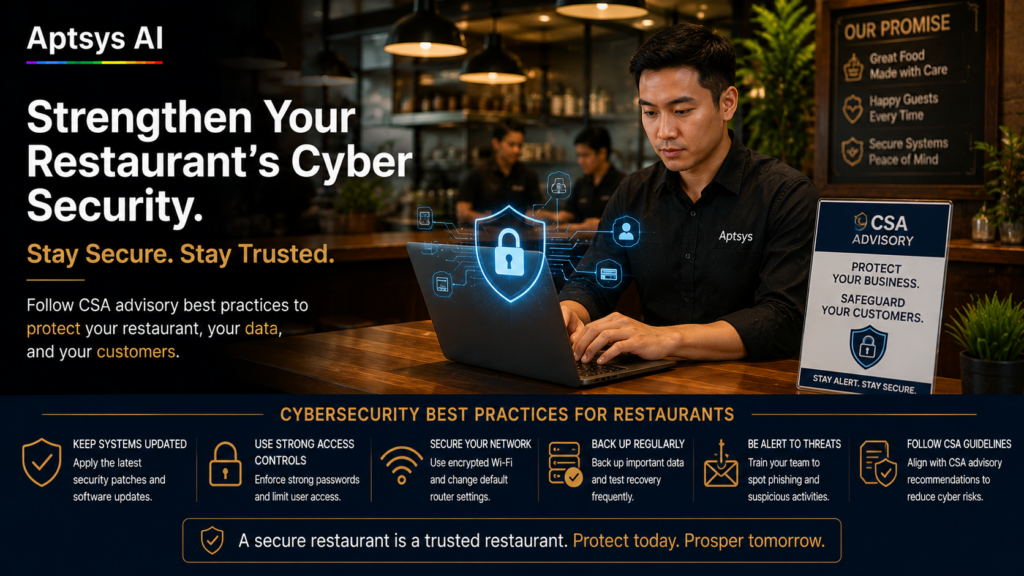
On 13 November 2026, the Cyber Security Agency of Singapore (CSA) issued Advisory AD-2026-017, asking every organisation to strengthen its cyber defences now. Since September, the average number of reported cyber incidents each month has been three times the January–August average. If you run a restaurant, café or F&B chain, take restaurant cybersecurity in Singapore seriously this festive season. Your POS, QR ordering, kiosks, WhatsApp bookings and CRM all sit on the internet, and attackers aren’t picking targets by name.
Why Restaurant Cybersecurity in Singapore Matters More This Month
CSA’s key point is that these attacks are opportunistic. Attackers scan the internet automatically for weak systems, so you can be hit without being targeted. CSA also warns that attackers using AI can find and exploit weaknesses faster, which leaves less time to fix gaps before someone finds them.
For F&B, the timing is bad. November to January brings your highest sales, busiest booking calendar and most temporary staff. An outage on a Friday night in December doesn’t just cost you a night’s takings. It costs you the reviews, the regulars and the corporate bookings that were meant to carry you through a slow January.
The 4 Gaps CSA Says Are Causing Most Incidents
CSA lists four common causes. Here’s what each looks like in a restaurant:
- Unpatched, exposed systems. This means an old back-office PC running outdated software, a router with remote access left open, or a CCTV recorder still on its factory password.
- Weak passwords and no MFA. One shared POS manager password that every shift lead knows. The same password used for email, the delivery platform and supplier portals.
- Third-party and supplier risk. CSA notes that some incidents came in through compromised vendors. Your POS, payment, delivery, reservation and accounting providers are all part of your attack surface.
- Phishing. A fake “delivery platform payout issue” email, or a WhatsApp message pretending to be your landlord, bank or supplier. AI makes these far more convincing than the typo-filled scams of a few years ago.
8 Restaurant Cybersecurity Checks for Singapore Outlets
You don’t need an IT department to act on CSA’s advisory. You can work through this list in an afternoon.
Do this week:
- Update everything that connects to the internet. That covers back-office PCs, the outlet router, tablets, CCTV recorders and any apps your staff use for work. Turn on automatic updates wherever you can.
- Turn on MFA. Start with email, banking, delivery platform merchant portals and your POS or CRM admin logins. If a system offers an authenticator app, use it rather than SMS.
- Give everyone their own login and remove old accounts. Each staff member should have their own POS login with only the access they need. Remove ex-staff and old temp accounts, especially before festive hiring starts.
- Lock down your network. Keep guest Wi-Fi separate from the network your POS, printers and kiosks use. Change default router and device passwords.
Do before year-end:
- Ask your tech vendors direct questions. How do you patch security issues, and how fast? Is my data encrypted? Do you use MFA for your support staff? Who can remotely access my outlet systems, and when? A good vendor will answer quickly and in writing.
- Brief your team on phishing. A 10-minute huddle will do. Nobody clicks payment or password links from unexpected emails or WhatsApp messages, and nobody changes a supplier’s bank details without a phone call to confirm.
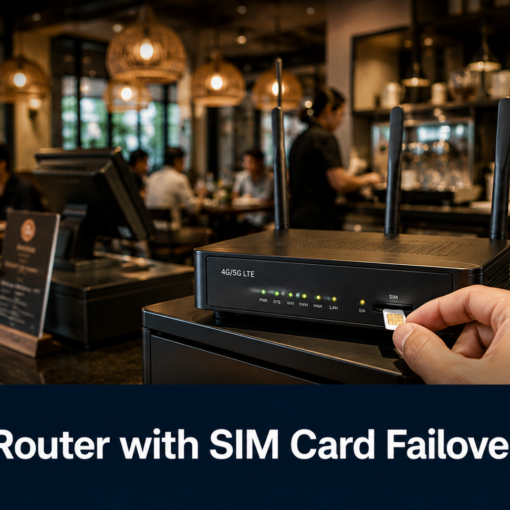
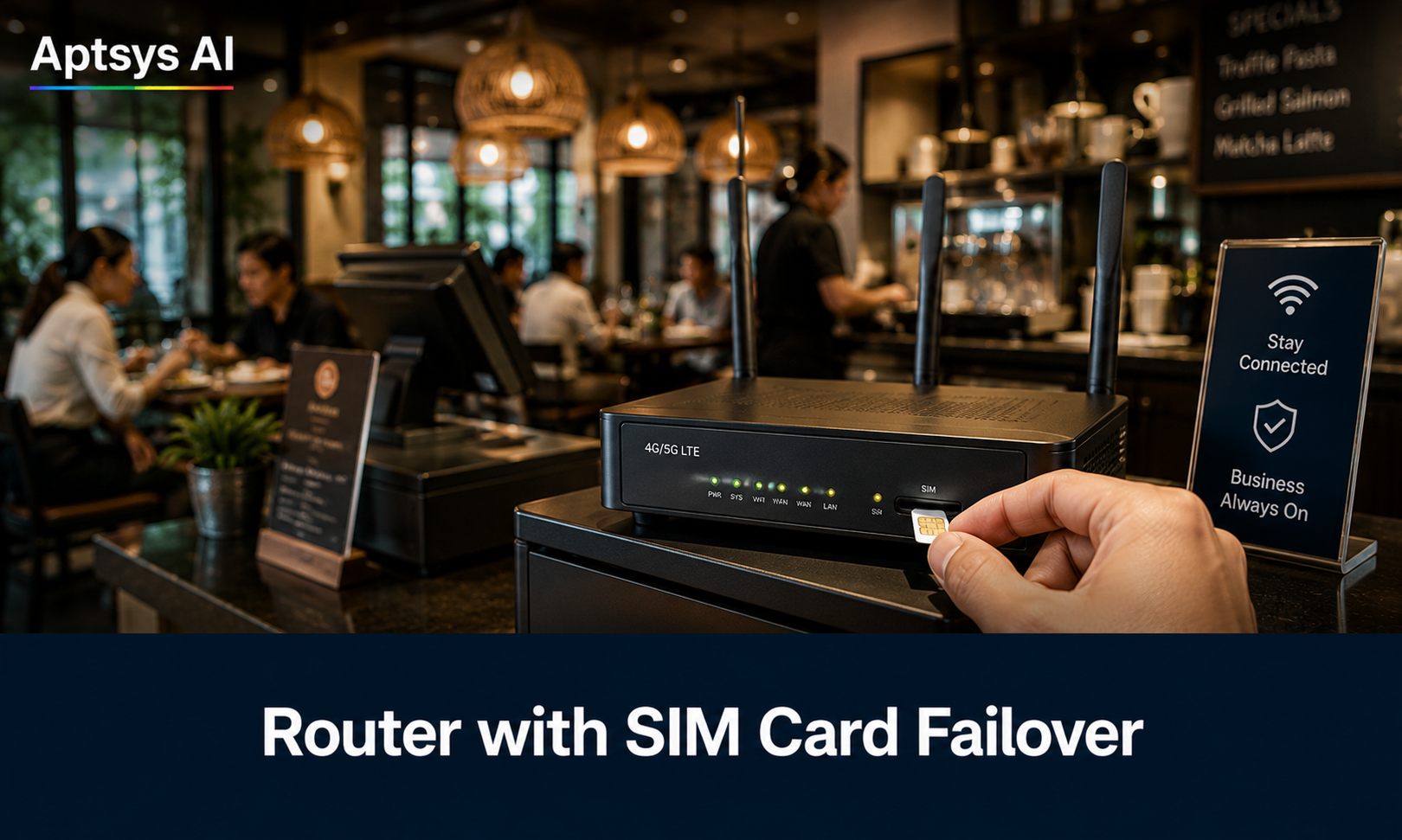
- Have a plan for when things go down. Know who to call, how to take orders and payments if the POS or internet drops, and where your backups live. An SIM-card failover router keeps QR ordering and payments running if your main line is cut.
- Use the free and subsidised support. CSA’s Cybersecurity Health Check tool is free. SMEs can get up to 70% co-funding through CSA’s CISO-as-a-Service programme, and Cyber Essentials certification sets a sensible baseline.
What to Do If Something Goes Wrong
If you suspect a breach (strange logins, missing funds, systems acting up, a customer data leak), act quickly:
- Disconnect the affected device from the network, but don’t wipe it.
- Change passwords for email, banking and admin accounts from a separate, clean device.
- Report it to CSA’s SingCERT through Cyber Aid, or call the Cyber Incident Helpline on 6890 9555 for triage and advice.
- Tell your POS and payment providers right away so they can check their side.
- If customer personal data is involved, check your obligations under the PDPA.
Restaurant Cybersecurity in Singapore Is Now an Operations Issue
Cybersecurity used to feel like a problem for banks and big companies. CSA’s numbers show that has changed. For a Singapore F&B operator, a secure setup is now as basic as a working fridge: you only notice it when it fails, and by then it’s expensive.
The good news is that most incidents CSA describes come from basic gaps: missed updates, shared passwords, open remote access and one wrong click. Close those and you’ve removed most of your risk.
Not sure how secure your current POS, QR ordering or kiosk setup is? Talk to the Aptsys team for a walkthrough of your outlet’s setup and what to tighten before the festive rush.
Related reading: Black October: How AI Hacking Targets Your Entire F&B Tech · PHP Security Alert (CSA AL-2026-151)