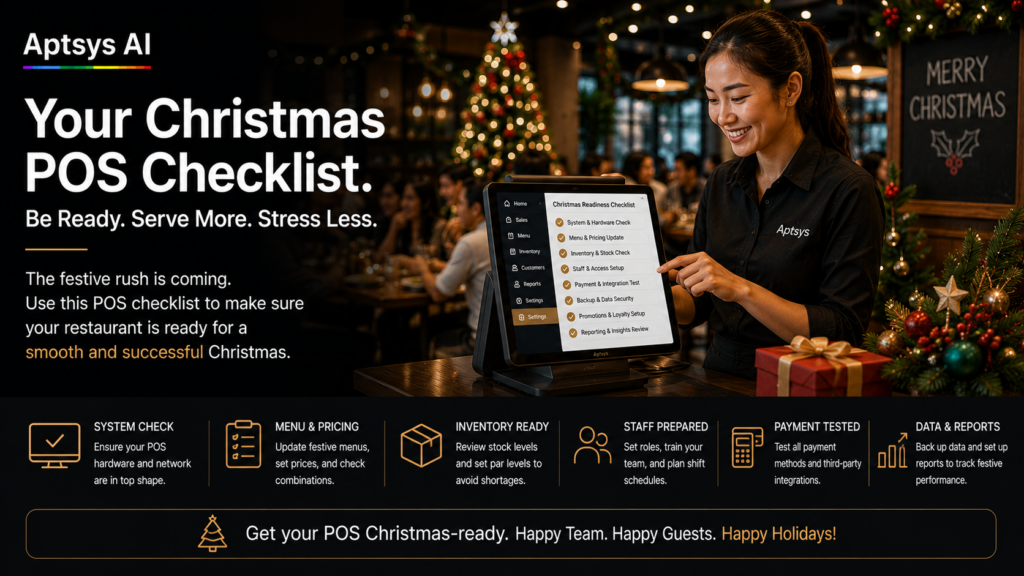
December is the month your POS gets tested hardest. Covers double, temp staff join for three weeks, festive set menus go live, and every company table wants to split the bill four ways. A Christmas POS checklist done in November costs you one quiet afternoon. Skipping it costs you a Friday night queue that never clears.
Here is the checklist we walk Singapore F&B operators through every year-end, in the order it should be done.
Why your Christmas POS checklist should be done by 1 December
Most December problems are not new problems. They are small setup gaps that only show up under load: a missing modifier, a printer routed to the wrong station, a cashier who cannot apply a corporate discount without calling the manager. In October these cost you a minute. On Christmas Eve they cost you a table.
Fix them in a quiet week, test them once, and give your team one less thing to think about when the restaurant is full.
Menu and pricing: the first part of your Christmas POS checklist
1. Load festive set menus early. Create your Christmas sets, party packages and festive add-ons now, with the correct prices, choices (for example, choice of main or dessert) and course sequence. Then place a test order for every set from start to finish, including the kitchen ticket.
2. Set start and end dates. Festive items should only appear on the days you sell them. Nobody wants a cashier ringing up a Christmas set on 2 January, or a missing set on the first day of your promotion.
3. Check service charge and GST. Confirm that 10% service charge and 9% GST apply correctly to set menus, deposits and corporate packages. A wrong tax setting on a $2,000 party bill is painful to reverse after the guest has left.
4. Pre-build discount buttons. Create named discounts such as “Corporate 10%” or “Group package” instead of letting staff key in open amounts. It is faster at the counter and much easier to audit later.
Staff access and training
5. Create temp staff logins with limited rights. Seasonal staff should be able to take orders and payments. Voids, refunds and open discounts should need a supervisor. Give every temp their own login so you can see who did what.
6. Run a 15-minute floor drill. Before their first shift, have each new staff member place a set menu order, split a bill and take a PayNow payment. Fifteen minutes in the afternoon saves you a lot of rescue work at 8pm.
Hardware, payments and internet
7. Test printers and kitchen routing. Make sure every festive item prints to the right station. A roast main that prints at the bar is a 20-minute delay and an unhappy table. Stock spare printer rolls.
8. Check payment terminals and settlement. Confirm NETS, PayNow and card payments all go through and settle correctly. Charge every handheld device and keep a backup terminal ready for the busiest nights.
9. Plan for an internet outage. Know what your POS does when the internet drops, and make sure staff know too. If you run QR ordering, a router with SIM card failover keeps orders coming in when your main line goes down.
Reports to check every night in December
10. Set up your end-of-day reports. Decide on the three or four reports a manager checks every night: sales by item (which festive sets are actually selling), payment summary, and voids and discounts by staff. Problems found the next morning are cheap. Problems found in January are not.
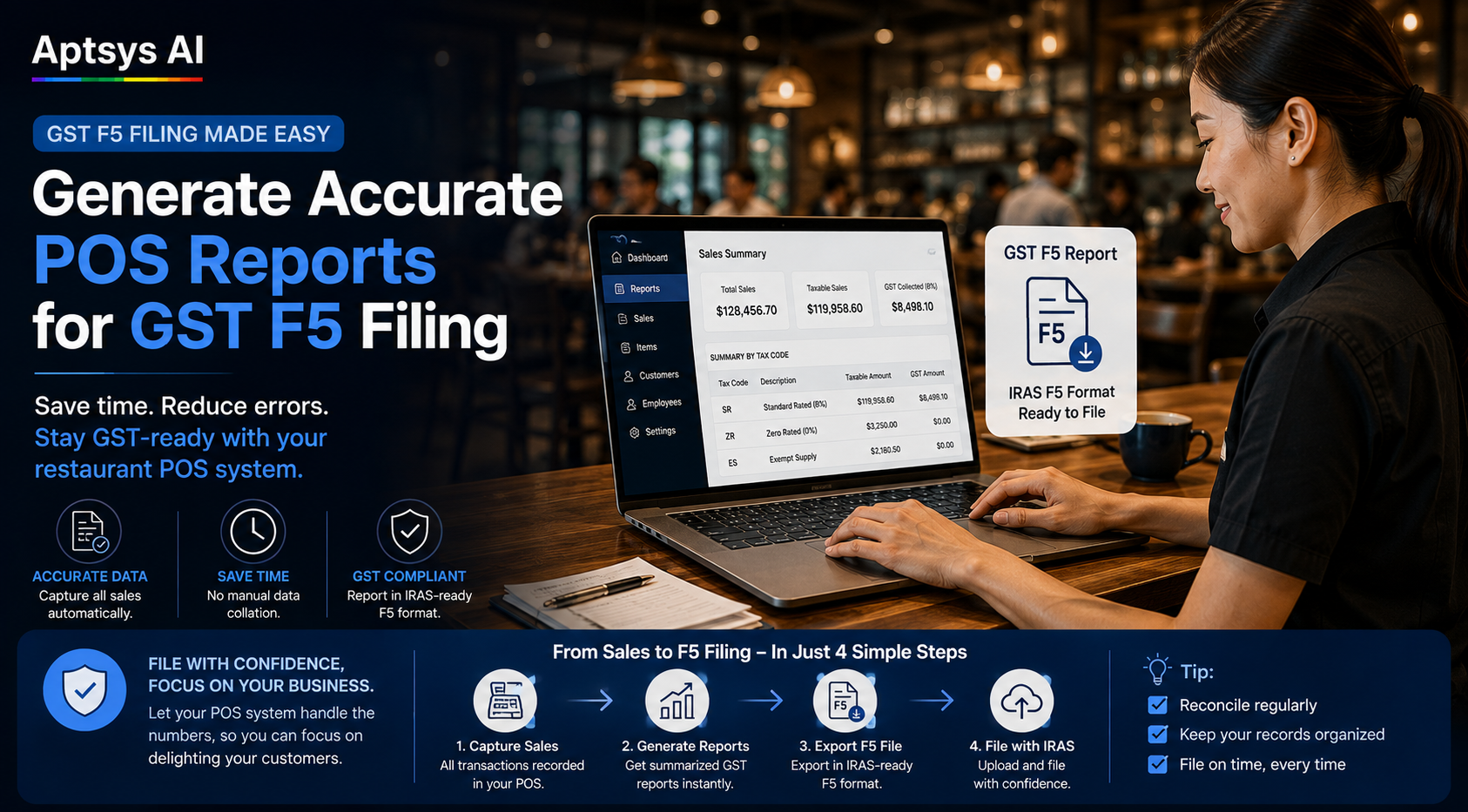
Clean December data also makes your October to December GST return easier. Our guide on GST F5 filing and POS reports covers what those reports should already give you.
How Jade POS handles the Christmas rush
Jade POS is built for nights like these. It keeps processing orders and kitchen printing even when the internet is down, and syncs everything once the connection is back. Integrated NETS, PayNow and card payments reconcile automatically, so closing is not a manual count during your busiest weeks.
AI upsell and AI set meal prompts suggest add-ons at the point of order, which helps when your temp staff do not know the menu yet. Online reporting lets you check sales and staff performance from anywhere, including your phone on Christmas Eve.
December will be busy either way. A Christmas POS checklist decides whether it is smooth.