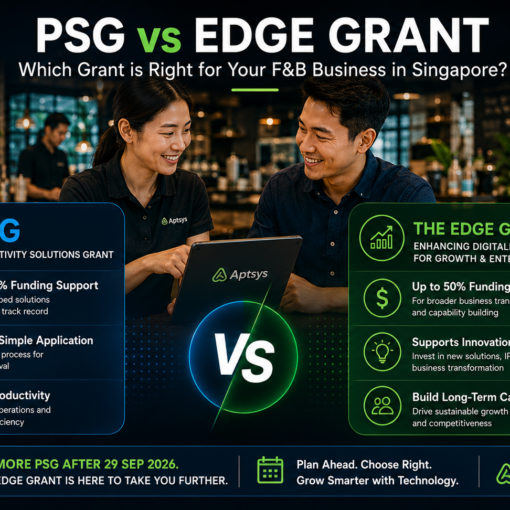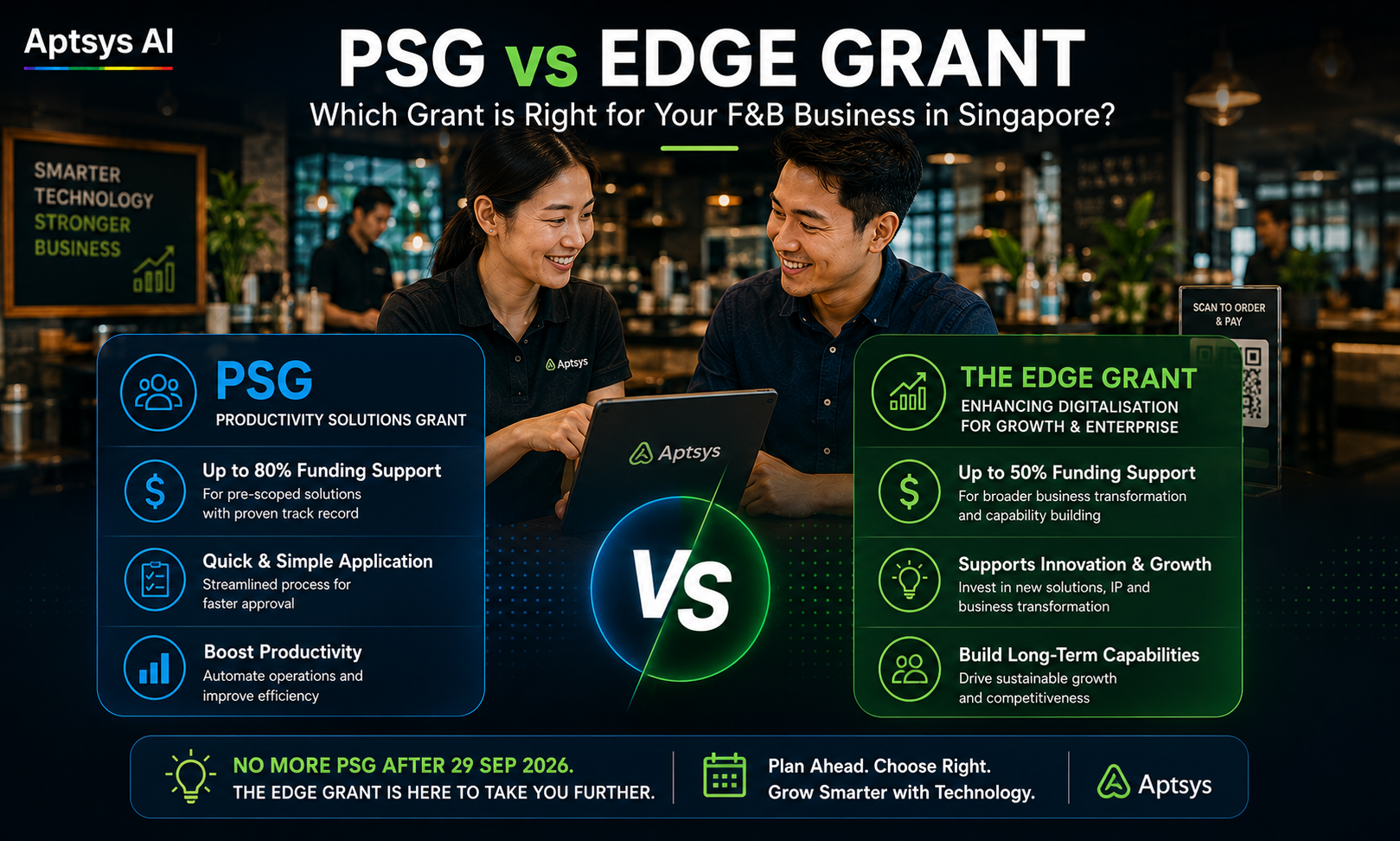
PSG stopped taking new applications on 29 September 2026. If you run a restaurant, café or F&B chain in Singapore and you were planning to fund a POS upgrade, self-service kiosk or QR ordering system, the EDGE Grant for restaurants is now the route. It launched on 30 September and replaces PSG, EDG and MRA under one scheme run by Enterprise Singapore.
The good news: the support is still there. The bad news: a few rules have changed, and getting one of them wrong can sink your claim. Here’s how to apply, step by step.
Who Is Eligible for the EDGE Grant?
To apply, your business must be:
- Registered in Singapore
- At least 30% owned by Singapore citizens and/or PRs
That’s the baseline. Some activities have extra requirements, so check the specific activity page before you start.
One change worth noting: EDGE is open to larger companies too. SMEs get up to 50% support for technology adoption. Non-SMEs get up to 30%. If you run a bigger F&B group that couldn’t easily tap PSG, look again.
How Much Can a Restaurant Get Under EDGE?
This is where many operators get confused, so let’s be precise.
- Each company has an annual EDGE cap of S$100,000 across all activities.
- Within that, single-function digital solutions, integrated enterprise systems and selected automation — which is where POS, kiosks and QR ordering sit — share a S$30,000 annual cap.
- The cap resets every 1 April.
The higher 70% rate you may have read about applies to internationalisation and sustainability activities, not to restaurant tech. For a POS or kiosk, plan on 50% if you’re an SME.
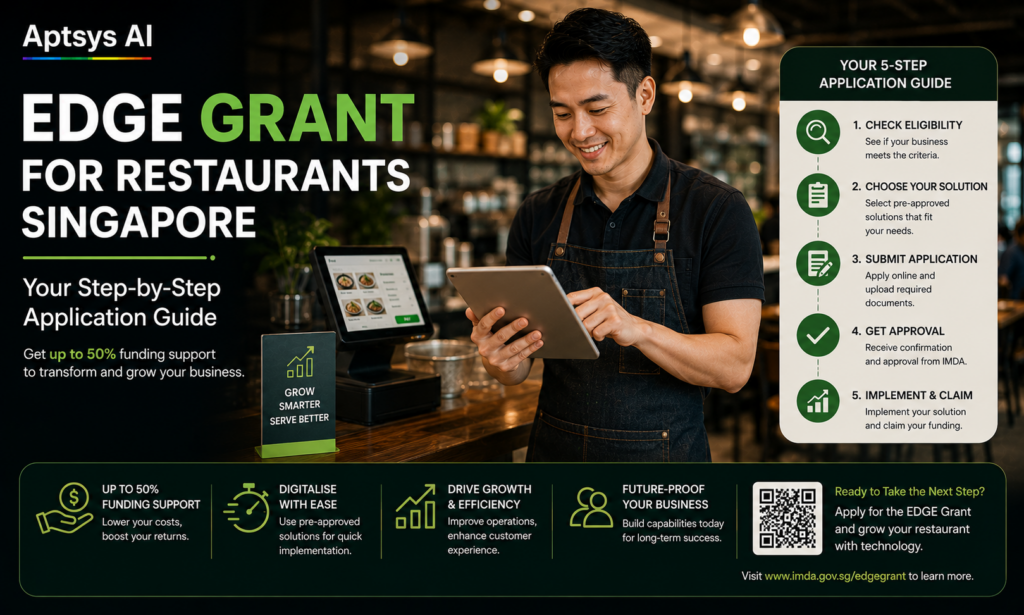
EDGE Grant Application: Step by Step
Step 1: Pick the right activity
Restaurant tech usually falls under Automation & Digitalisation → Single-function Digital Solutions on the Enterprise Singapore EDGE page. These are pre-approved solutions. Where an activity has pre-approved vendors, you must choose from that list.
Step 2: Get a quotation — but don’t pay yet
Ask your vendor for a formal quotation covering hardware, software, implementation and subscription period. Do not sign, pay a deposit or let the vendor start work before you submit your application. EDGE treats that as a retrospective application, and it will be rejected.
Step 3: Set up Corppass roles
Only staff with the BGP Preparer or BGP Acceptor Corppass role can submit. Your vendor or corporate secretary is not allowed to submit on your behalf — this rule is strict. Sort out access before you sit down to apply.
Step 4: Submit on the Business Grants Portal
Log in to the Business Grants Portal (BGP), select the EDGE activity, upload your quotation and fill in your company and project details. You’ll also declare any relationship with the vendor — related-party vendors are not allowed.
One application covers one activity. If you want a POS and a separate CRM, that may be two applications — but both count against the same S$30,000 cap.
Step 5: Decide whether to wait for approval
Under EDGE you may pay after submitting but before approval, and those costs can be supported if you’re approved. The risk is yours if you’re rejected. Most operators should wait unless the timing is critical.
Step 6: Implement, pay, then claim
EDGE is paid on a reimbursement basis. Your company pays the vendor in full, the solution goes live, and then you submit your claim on BGP with invoices and proof of payment. No cash advance.
Common Mistakes Restaurants Make
- Paying a deposit to “lock in” a price before submitting. This kills the application.
- Letting the vendor fill in BGP. Not allowed under EDGE.
- Assuming 70%. Restaurant tech is up to 50% for SMEs.
- Applying again for something PSG already funded. EDGE is for new projects only.
- Using the solution at a sister company. Equipment must be used by the applicant entity.
What to Do This Week
If you’ve been holding back on a kiosk or POS upgrade because PSG closed, you don’t need to wait any longer. Start with a quotation, check which EDGE activity your solution falls under, and get your Corppass roles in place.
Aptsys can walk you through how your POS, kiosk, QR ordering or CRM project fits under EDGE and prepare a quotation you can submit. Request a quotation on our merchant information page →
For the official scheme details, see Enterprise Singapore’s EDGE Grant FAQ.
Related: PSG vs EDGE Grant: What Changed for Singapore F&B Tech Funding · Jade POS · Self-Service Kiosk